Español English
For the Kitchen
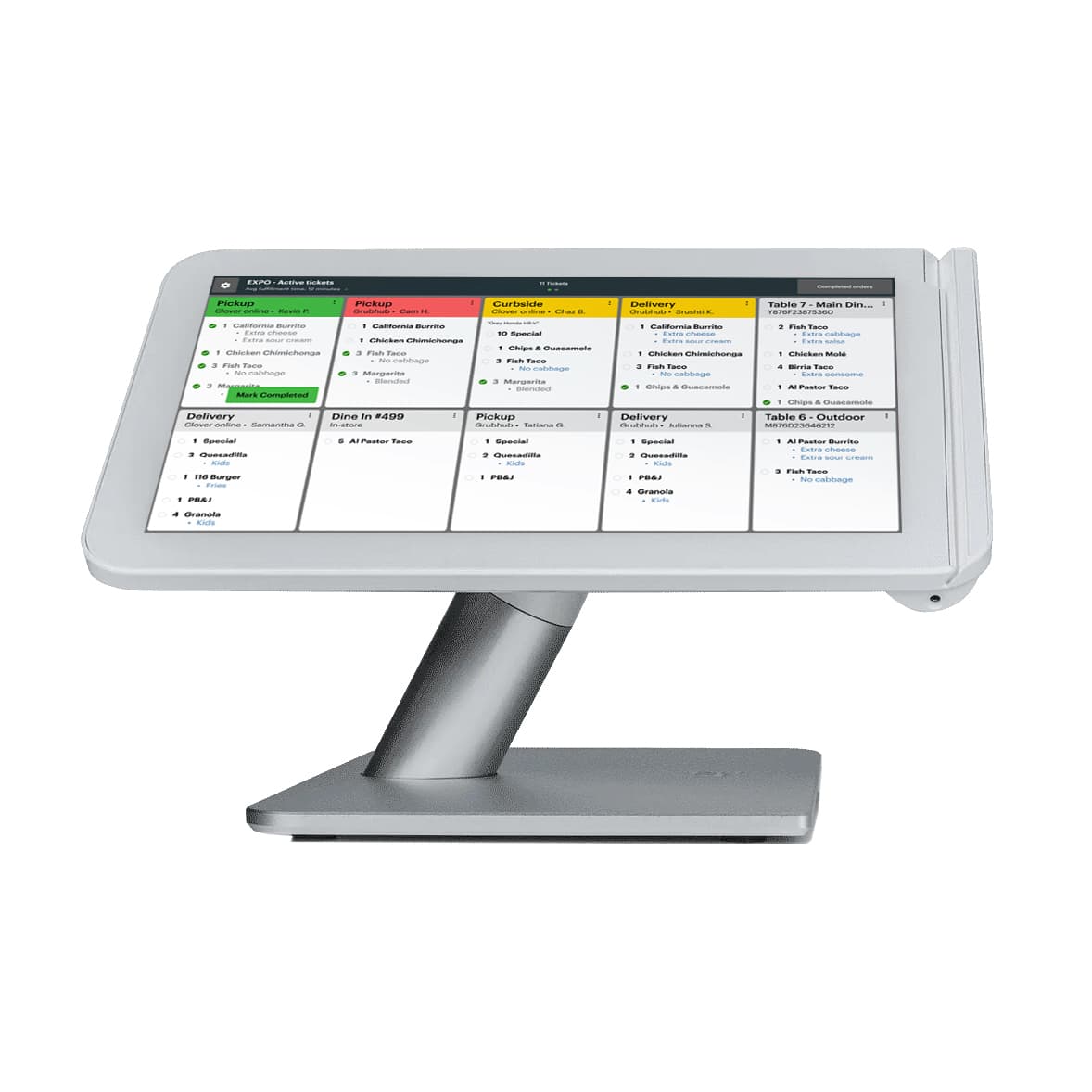
Digital order tickets that keep your kitchen in sync. The Clover Kitchen Display replaces paper chits with a live, always-on screen — orders arrive the instant they're rung up front-of-house, timers keep every plate on pace, and a bump bar clears finished tickets with a single tap. Caribbean Payments sets it up to run seamlessly with the Clover POS your team already knows.
Why a KDS
Every ticket lands on the Clover Kitchen Display the moment it's rung up front-of-house. No walking, no shouting, no waiting — your line cooks start prepping the second an order is placed.
Ditch the printer jams, faded thermal slips, and lost chits. The Clover kitchen display shows each order on a clear, always-on screen, so nothing falls off the rail during a rush.
Color-coded timers show how long each ticket has been open, and a bump bar lets your team clear finished orders with one tap. You keep tickets moving and hold every plate to the same standard.
The KDS pulls straight from the same Clover system your registers already run. Menu changes, modifiers, and voids update everywhere at once — front counter and kitchen always see the same order.
Built for PR kitchens
From busy full-service restaurants to quick-service and fast-casual kitchens across Puerto Rico, the Clover Kitchen Display keeps your back-of-house calm during the dinner rush. Line cooks see clear, prioritized tickets instead of a stack of paper, expo can hold plates to the same standard, and managers get a real-time view of how fast the kitchen is turning orders.
Whether you run a single location in San Juan or several storefronts around the island, Caribbean Payments configures your KDS stations to match how your kitchen actually works — so service stays fast, accurate, and consistent every shift.
FAQ
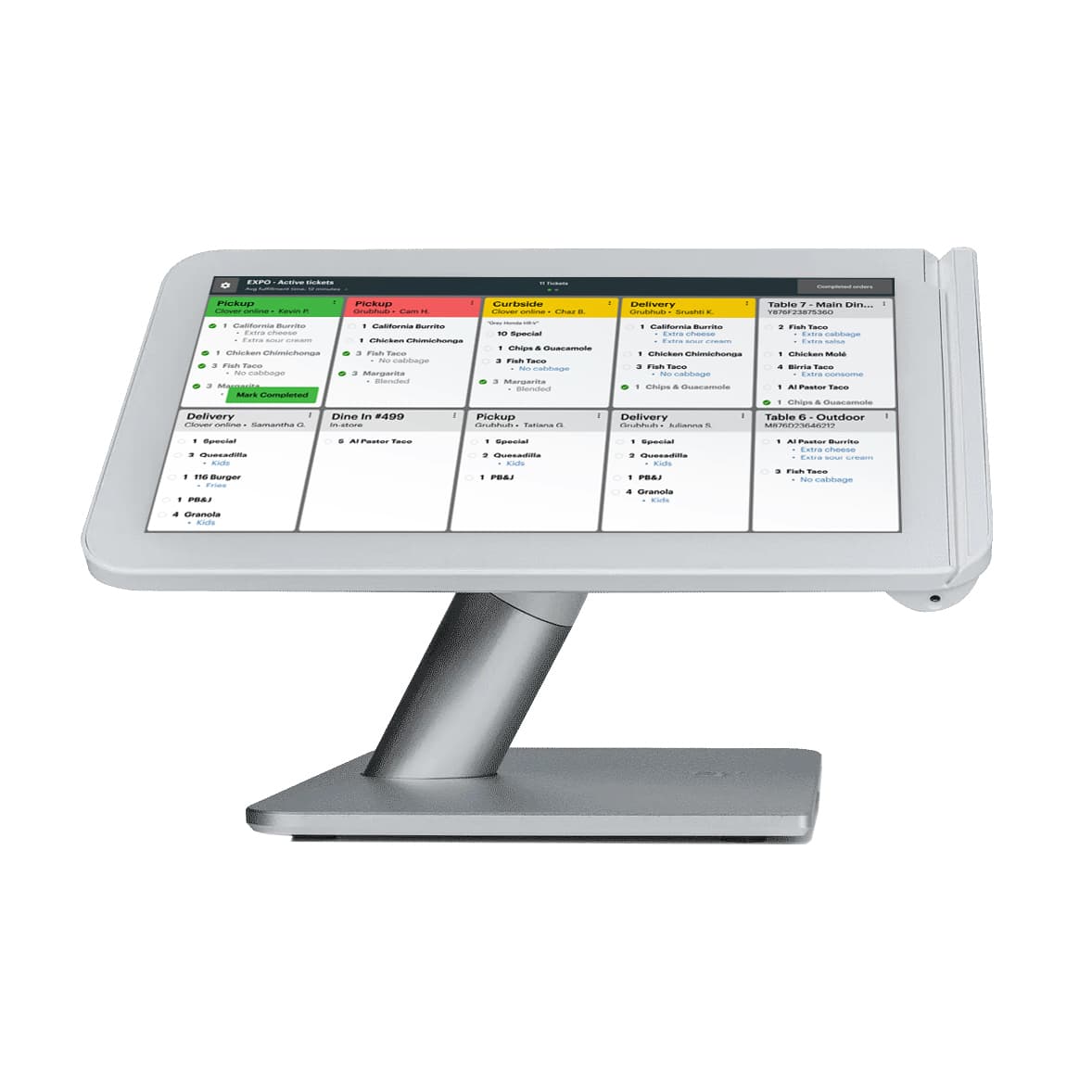
A Clover Kitchen Display System (KDS) is a screen in your kitchen that replaces paper order tickets. Orders entered on your Clover POS appear instantly on the display, so your cooks see exactly what to prepare, in what order, and how long each ticket has been waiting.
When a server or cashier places an order on your Clover POS, it routes straight to the Clover Kitchen Display. Items are grouped by ticket with built-in timers, and your kitchen staff tap the bump bar to clear each order once it's ready — keeping the whole line in sync without a single printed slip.
Pricing depends on your hardware, the number of stations, and your Clover plan. Caribbean Payments builds a package around your Puerto Rico kitchen, so you only pay for the displays and features you actually use. Contact us for a straightforward quote.
Yes. The Clover Kitchen Display is built to work directly with your existing Clover POS. Orders, modifiers, and menu updates sync automatically between your registers and the kitchen, so there's no double entry and no mismatched tickets.

Get in touch with us today and let’s start transforming your business from the ground up.